Coming soon · Showcase · iPhone & iPad
Your coding agents,
in your pocket
Linea Remote will pair with Linea on your Mac over a private, direct link — so you can watch Claude, Codex and Grok work, answer their questions and steer every session from anywhere. No cloud in the middle. No account to create.
You can download it on the App Store today as a showcase of where we're headed. Full remote pairing is still coming soon.
Showcase build · full product coming soon · requires Linea on Mac · iOS & iPadOS
How it works
Paired in seconds,
private by design
A direct device-to-device link over iroh — encrypted end to end, with nothing in between. It's your Mac and your phone, talking straight to each other.
- 01
Open Linea on your Mac
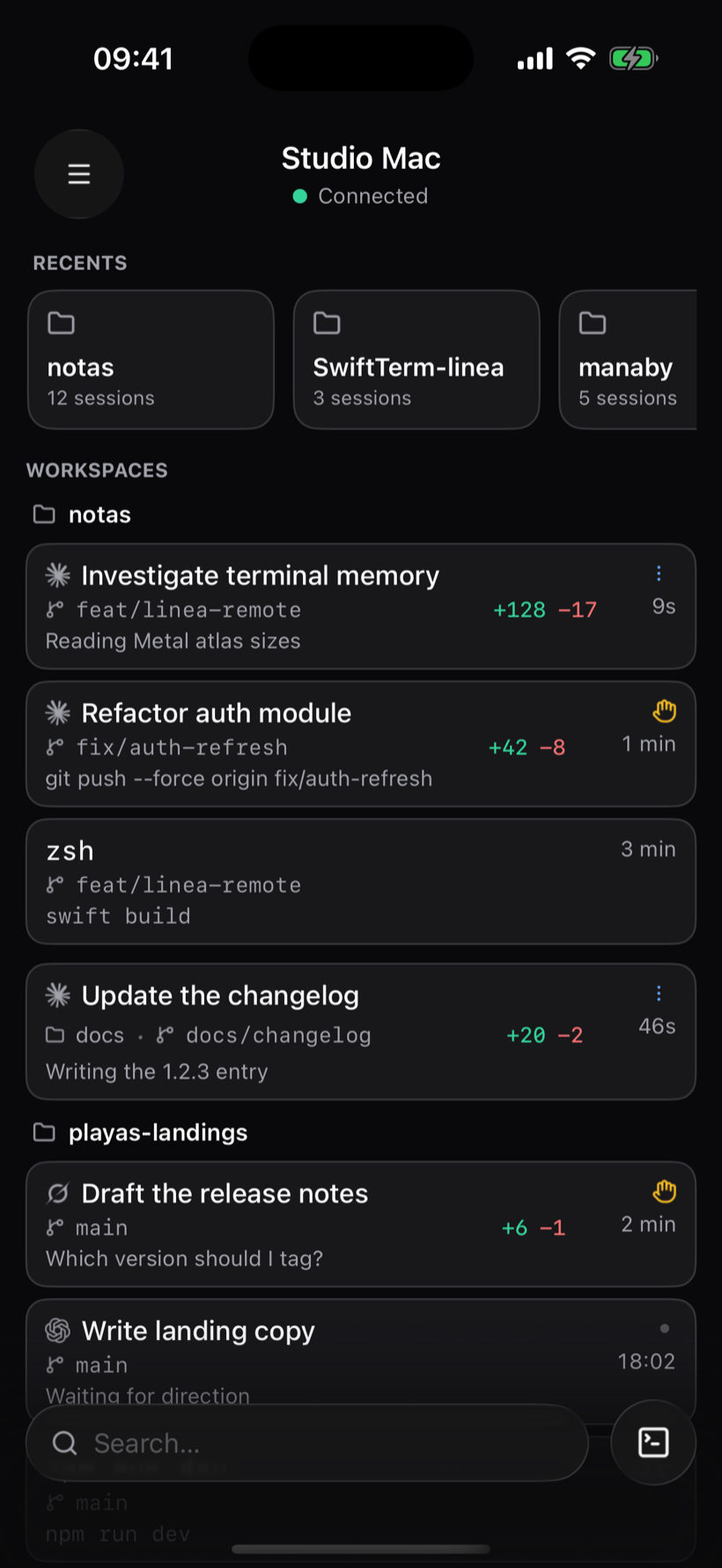
Tap the phone icon in the toolbar and Linea shows a one-time pairing QR.
- 02
Scan it once
Your phone and your Mac open a direct, encrypted peer-to-peer link. No relay, no cloud, no account — your code never leaves your machines.
- 03
Take your agents anywhere
Every session's live transcript lands on your phone. Reply, approve an action or run a command from the sofa, the train, or bed.
Live
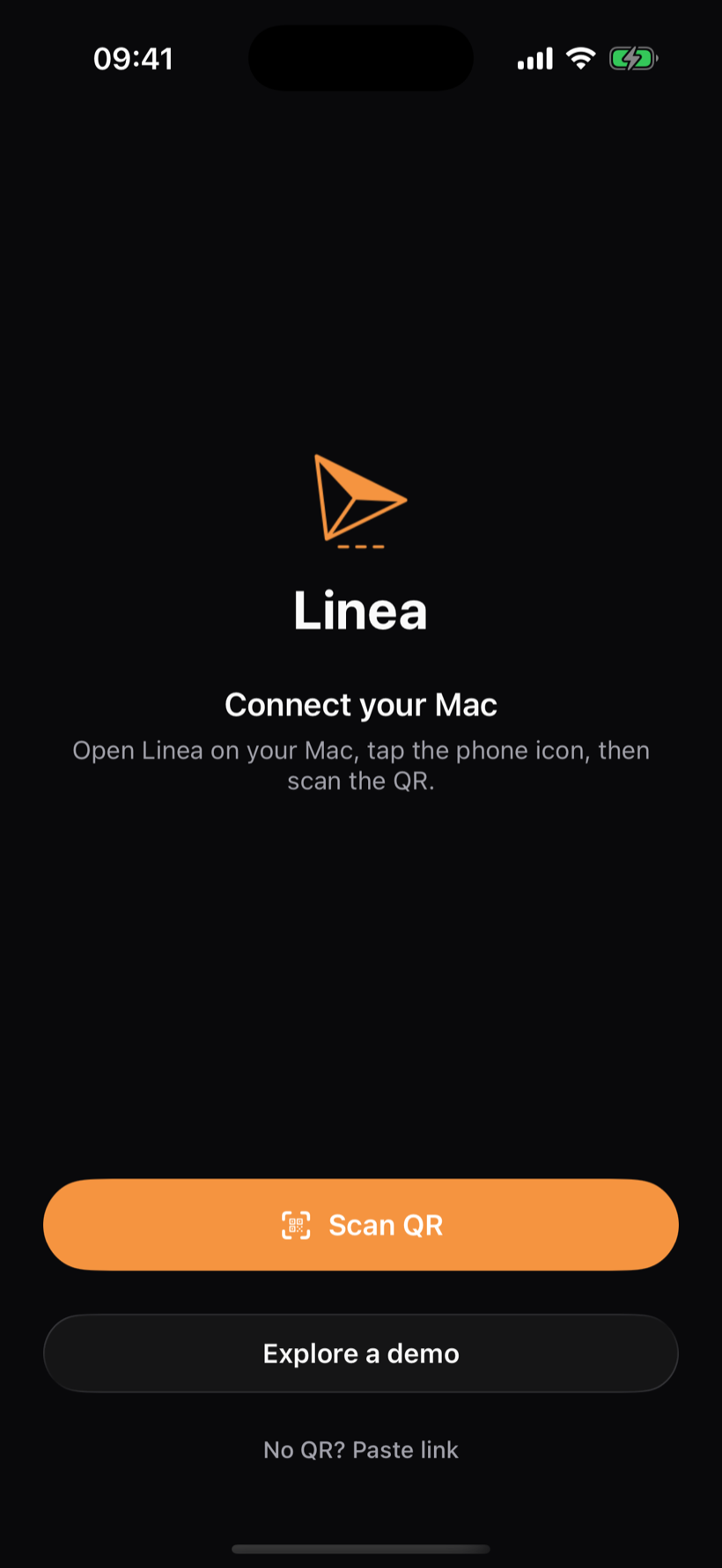
Watch them work — as it happens
Every tool call, diff and plan streams in live and folds into tidy activity blocks, so a long run stays readable instead of a wall of noise. It reads exactly like the desktop, tuned for a thumb.
Answer
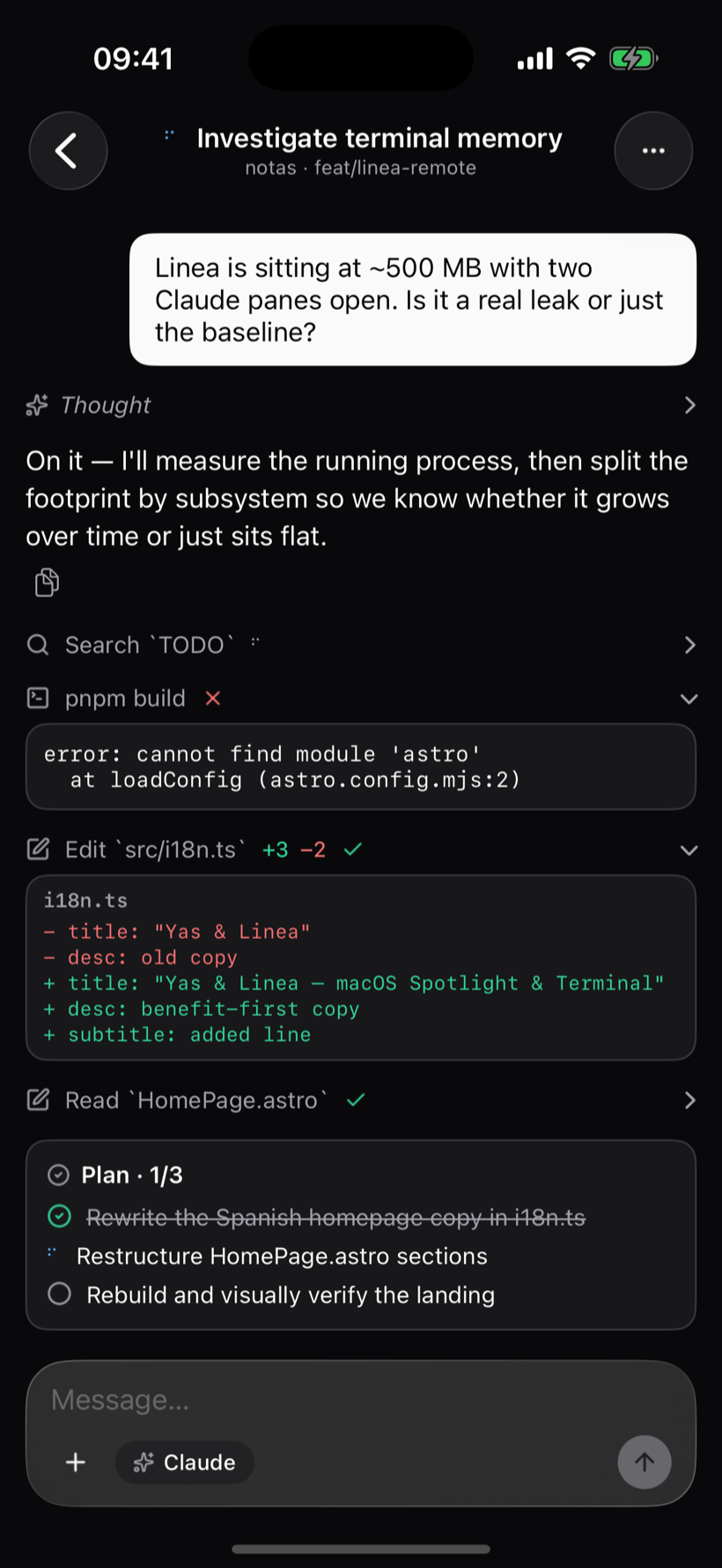
Approve without reaching for your Mac
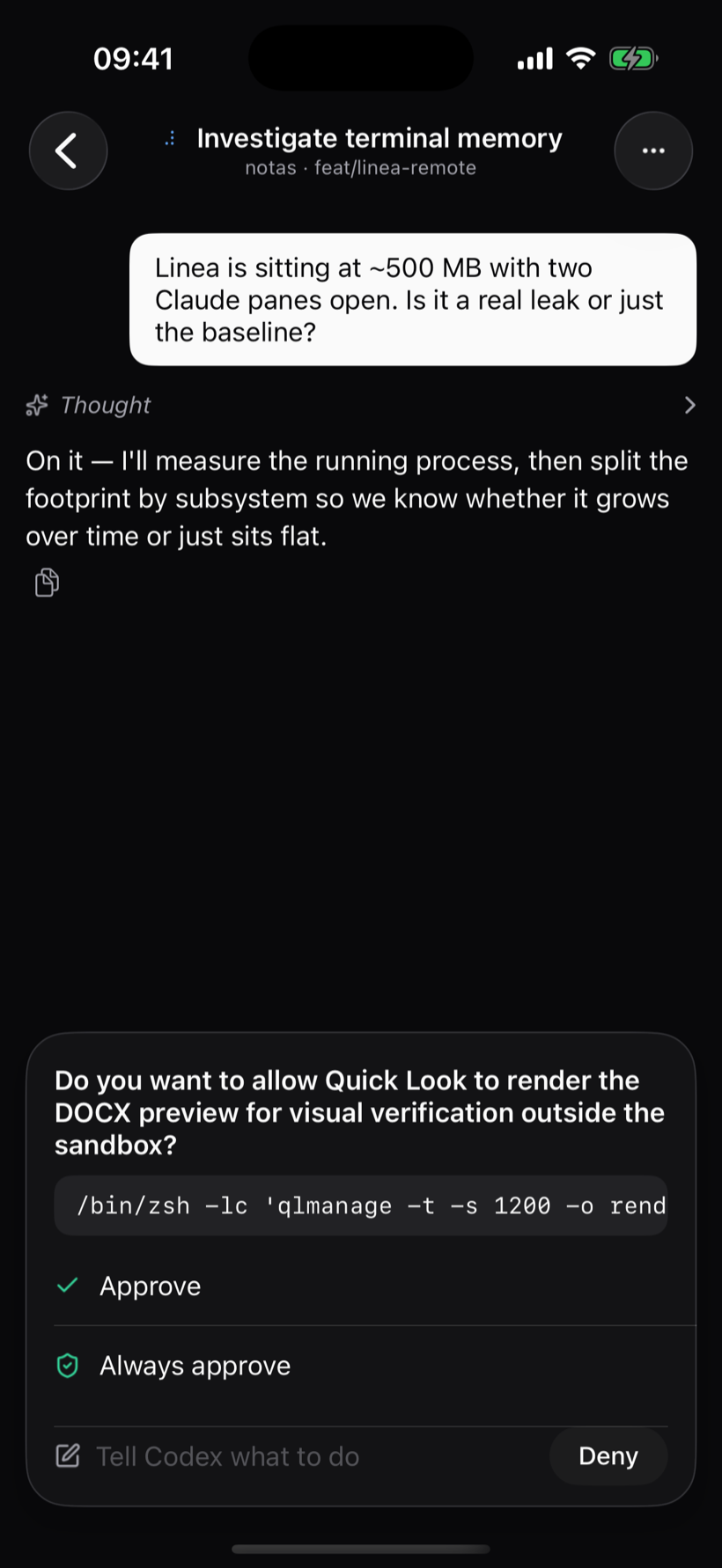
When an agent needs permission or asks you something, the composer becomes the question. Approve, always-approve, or deny — one tap, and it keeps going.
Control
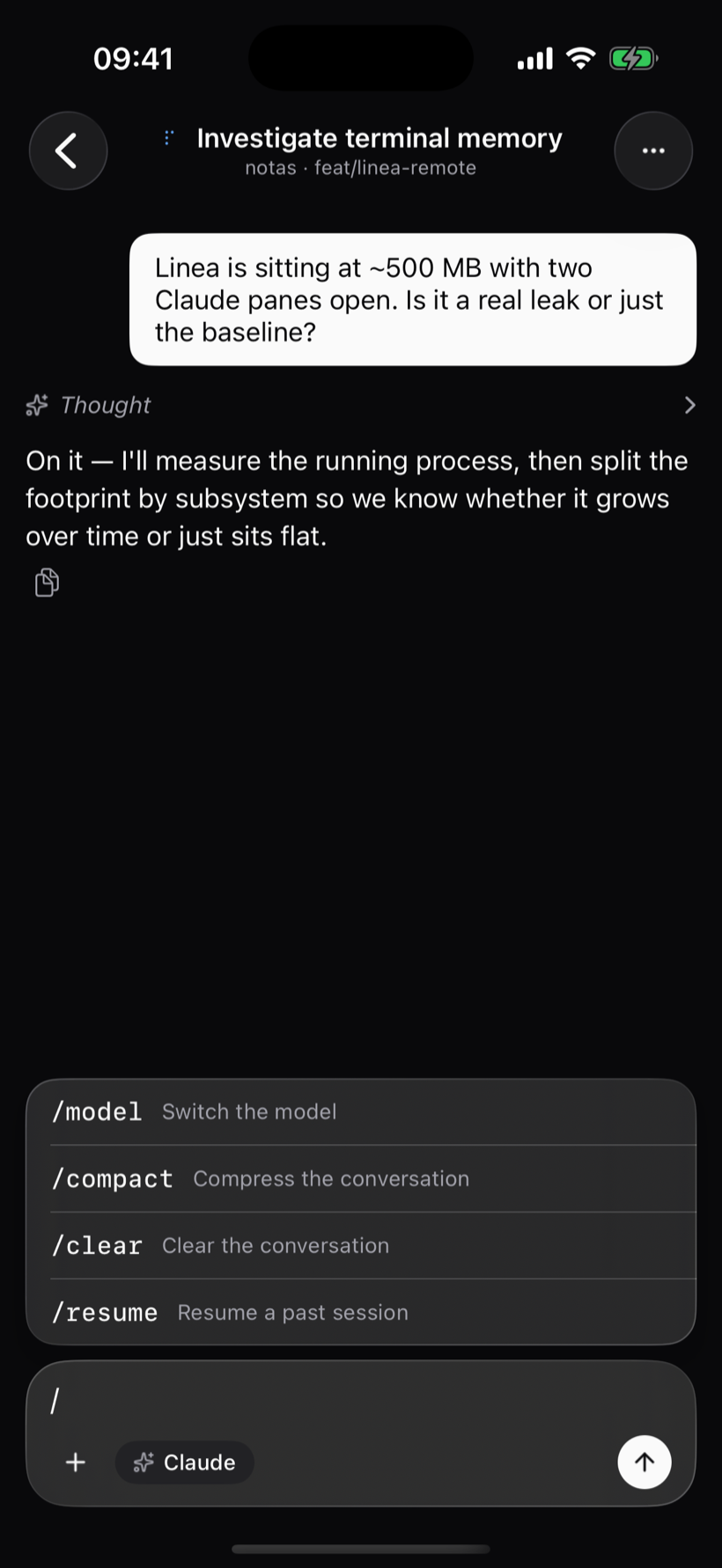
Every command, one tap away
Slash commands, model switches and modes — the same controls you have on the desktop, right above the keyboard. Type “/” and go.
iPad
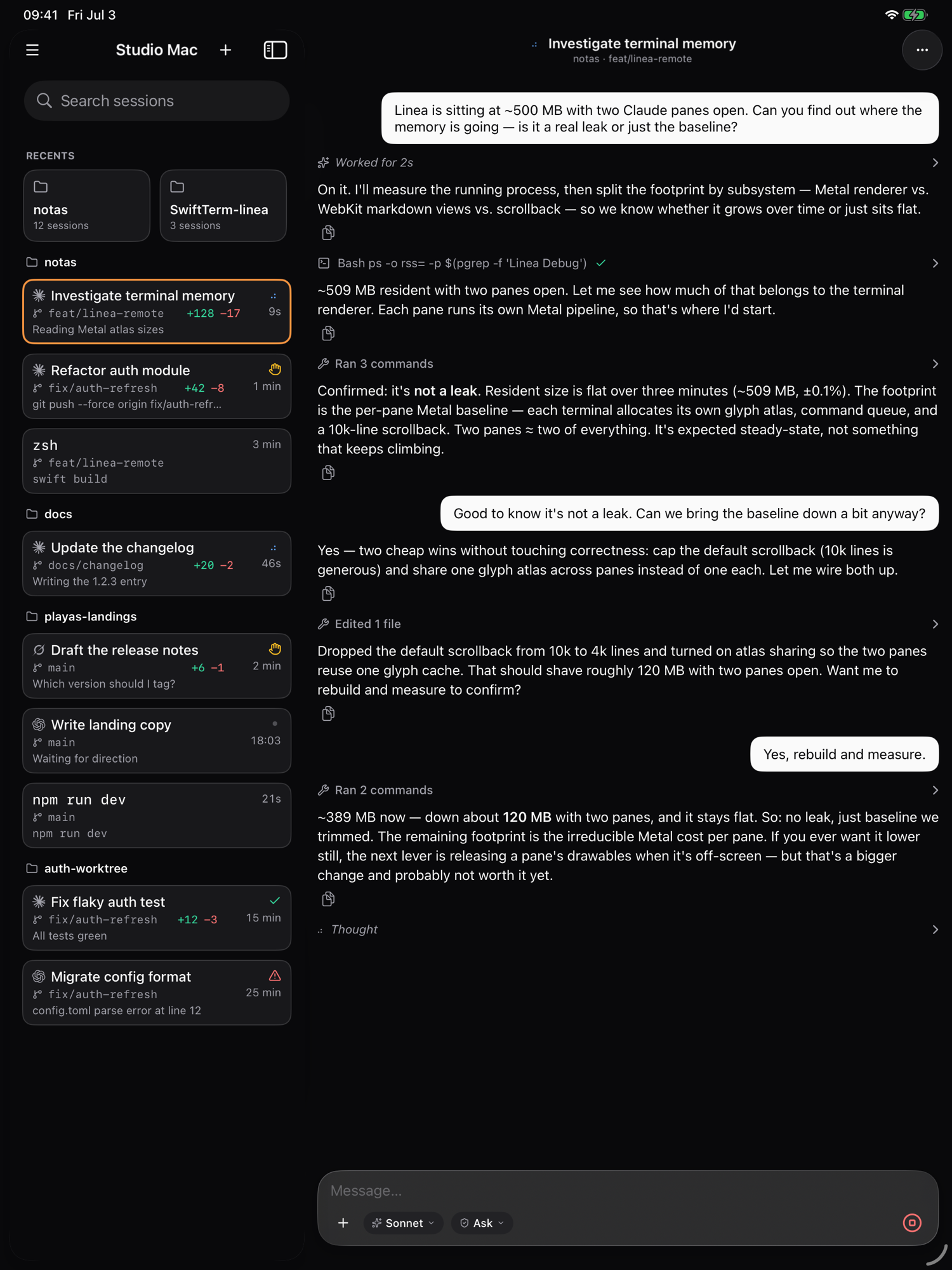
Made for the big screen, too
On iPad it's a true split view — the full roster of sessions beside the live conversation, just like a desktop. Landscape or portrait, sidebar and detail at once.
Private by design
Peer-to-peer, not a portal
There's no Linea server watching your sessions and no dashboard to log into. The connection is a direct, encrypted channel between your two devices — the same code, the same terminal, mirrored to the screen in your hand.
- End-to-end encrypted
- No account
- No cloud relay
- Your keys, your providers
Linea, everywhere you are
The Mac does the work. Your phone will keep you in the loop. Linea Remote is free — download the showcase today, and full remote pairing is coming soon.